
In today’s digital age, laptops have become an essential part of our lives. Whether you’re a student, a professional, or a creative individual, your laptop often serves as a gateway to the online world. While laptops are functional tools, they can also be a canvas for personal expression. One popular way to add personality and flair to your laptop is by using stickers. Personalize Your Laptop A Guide to Laptop Stickers In this blog post, we’ll explore the world of laptop stickers and provide a comprehensive guide on how to choose, apply, and showcase your sticker collection.
- Why Choose Laptop Stickers?
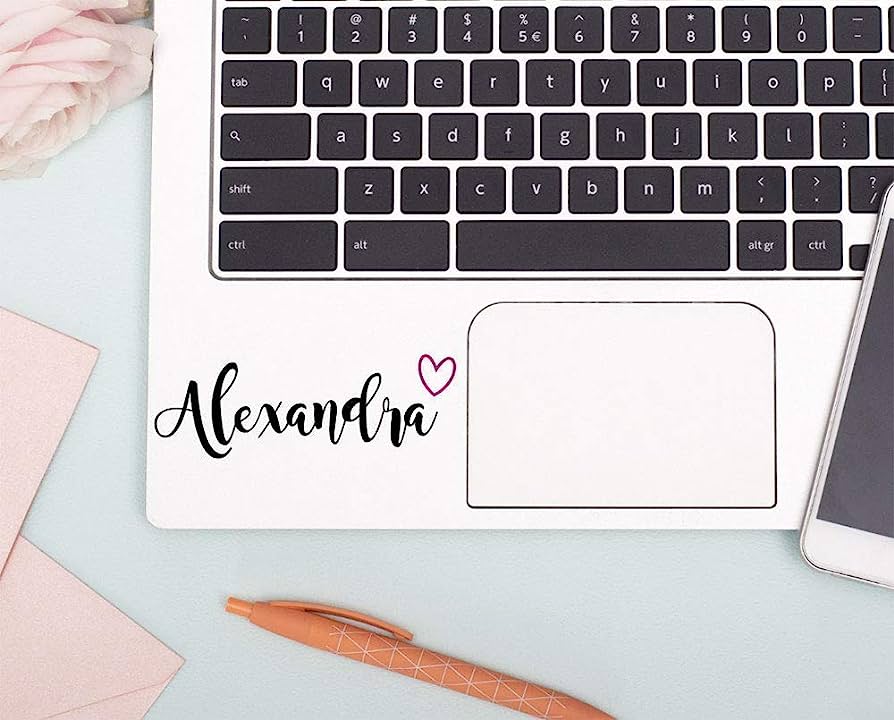
- Individuality: Laptop stickers allow you to showcase your unique personality, interests, and passions.
- Customization: Stickers offer a quick and affordable way to personalize your laptop without making permanent changes.
- Protection: Stickers can help protect your laptop from scratches, dirt, and minor spills.
- Easy to change: If you get tired of your sticker collection or want to update the look, it’s easy to remove and replace them.
- Types of Laptop Stickers:
- Pop Culture and fandom: Show support for your favorite TV shows, movies, bands, or sports teams.
- Artistic and design: Display your appreciation for various art styles, illustrations, or graphic designs.
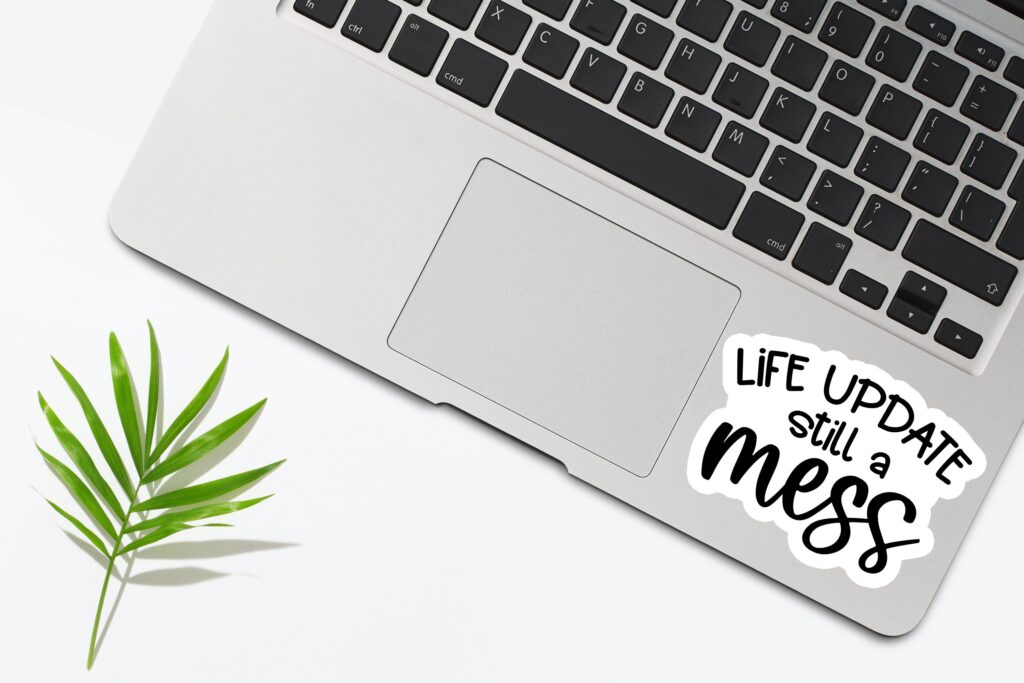
- Quotes and Inspirational: Inspire yourself and others with motivational quotes or phrases that resonate with you.
- Nature and Animals: Bring the beauty of nature to your laptop with stickers featuring landscapes, plants, or animals.
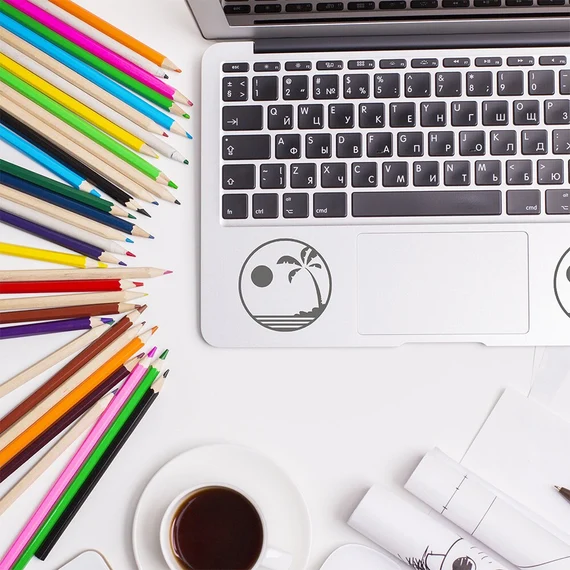
- Minimalist and Abstract: Embrace a sleek and modern aesthetic with simple, minimalist, or abstract designs.
- Where to Find Laptop Stickers:
- Online marketplaces: Websites like Etsy, Redbubble, and Amazon offer a wide variety of laptop stickers from independent artists and sellers.
- Local stores and markets: Visit stationery stores, craft markets, or sticker shops in your area to discover unique options.
- Events and conventions: Attend events related to your interests, such as comic cons or music festivals, where stickers are often sold.
- Applying Laptop Stickers:
- Clean and prepare your laptop surface.
- Carefully peel off the backing from the sticker.
- Position the sticker on your laptop, ensuring it aligns correctly.
- Smooth out any bubbles or wrinkles using a credit card or your fingers.
- Press firmly to ensure the sticker adheres well.
- Showcasing Your Sticker Collection:
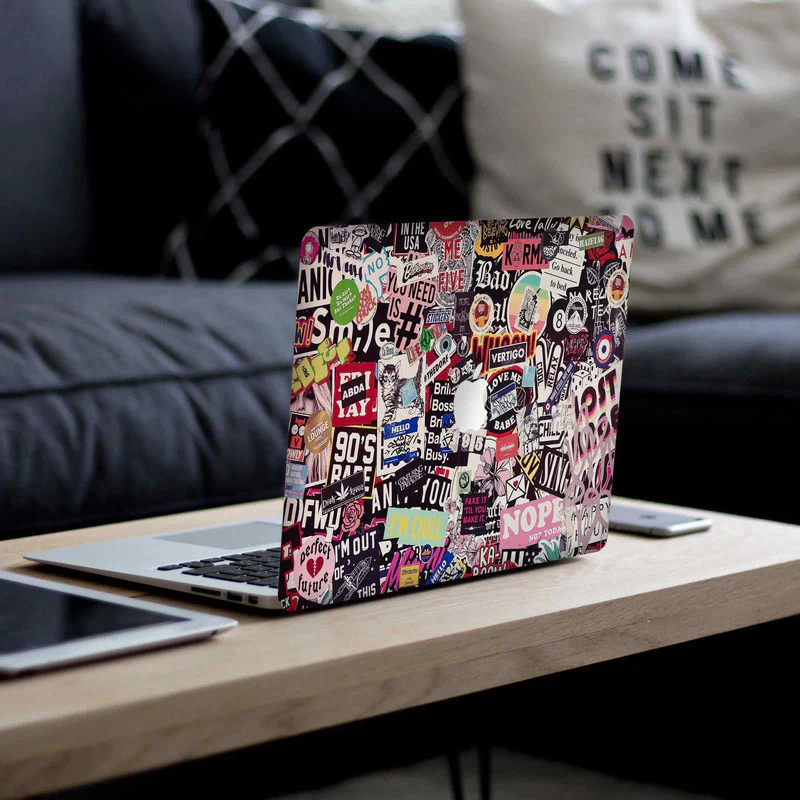
- Cover the laptop lid: Arrange your stickers in a visually appealing way to cover the entire surface of your laptop lid.
- Create a border: Frame your laptop’s edges with a collection of stickers, leaving the center area clear for a cleaner look.
- Collage-style: Overlap and layer stickers to create an eclectic and artistic collage.
- Mix and match: Combine different types of stickers to reflect your diverse interests and passions.
Personalize Your Laptop A Guide to Laptop Stickers offer a fantastic opportunity to personalize your laptop and make it truly your own. Whether you’re a student looking to showcase your favorite fandoms or a professional aiming for a touch of creativity, laptop stickers provide a versatile and fun way to express yourself. With this guide, you’re now equipped to choose the perfect stickers, apply them flawlessly, and create a stunning sticker collection that will turn heads wherever you go. So, go ahead and start transforming your laptop into a unique reflection of your personality!




Leave a reply