
They accompany us through work, leisure, and everything in between. However, many laptops tend to look the same, with their sleek metallic or plastic exteriors. So, how can you make your laptop stand out and reflect your personality? One creative solution is designing custom laptop stickers.

The Art of Laptop Sticker Design
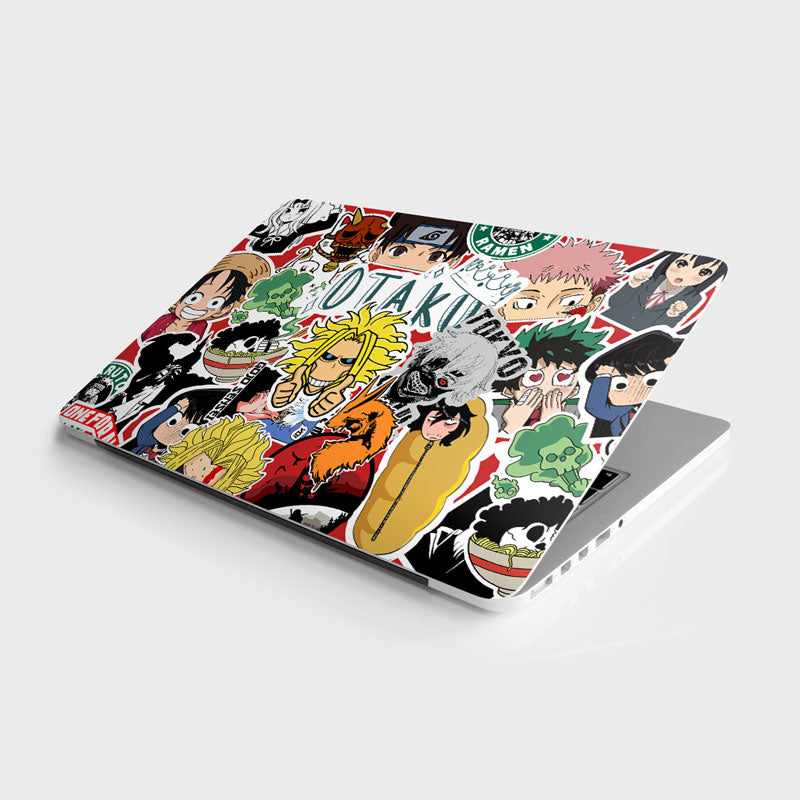
Laptop stickers are more than just colorful additions to your device. They are a form of personal expression, a way to showcase your interests, hobbies, and even your sense of humor. Whether you’re a minimalist, a gamer, a nature enthusiast, or a fan of pop culture, there’s a laptop sticker design for everyone.
Here are some tips to consider when designing your laptop stickers:
Choose Your Theme: Start by deciding on a theme or concept for your stickers. Are you into vintage video games, inspirational quotes, or abstract art? Your theme will help guide your design choices.
Design Software: If you have design skills, you can use software like Adobe Illustrator or Photoshop to create your stickers. If not, there are plenty of online tools and apps that offer user-friendly design templates.
Size and Shape: Consider the size and shape of your laptop stickers. Most laptops have a 13-15 inch screen, so your stickers shouldn’t be too large or obstructive. Rectangular, square, and circular stickers are common choices.
Color Palette: Think about the color palette you want to use. Bright and vibrant colors can make your laptop pop, while muted tones can give it a more subtle look.
Image Selection: Whether you’re using graphics, photos, or illustrations, make sure your images are high-resolution to ensure a clear and crisp print.
Personalization: Personalize your laptop stickers with your name, initials, or a unique message to make them truly your own.
Test Print: Before ordering a batch of stickers, it’s a good idea to print a test copy to ensure the design looks as you intended it to.
Where to Get Laptop Stickers
Once you have your design ready, you have several options for getting your laptop stickers:
Online Printing Services: Many online printing services offer customizable laptop stickers. Upload your design, choose your quantity, and they’ll deliver the stickers to your doorstep.
Local Print Shops: Check with local print shops; they may offer custom sticker printing services.
DIY Printing: If you have the right equipment, you can print your stickers at home using sticker paper. Just make sure your printer can handle the paper type.
Applying Your Stickers
Applying laptop stickers is a straightforward process:
Clean the Surface: Ensure your laptop’s surface is clean and free of dust or debris.
Peel and Stick: Carefully peel the backing off your sticker and position it where you want it on your laptop.
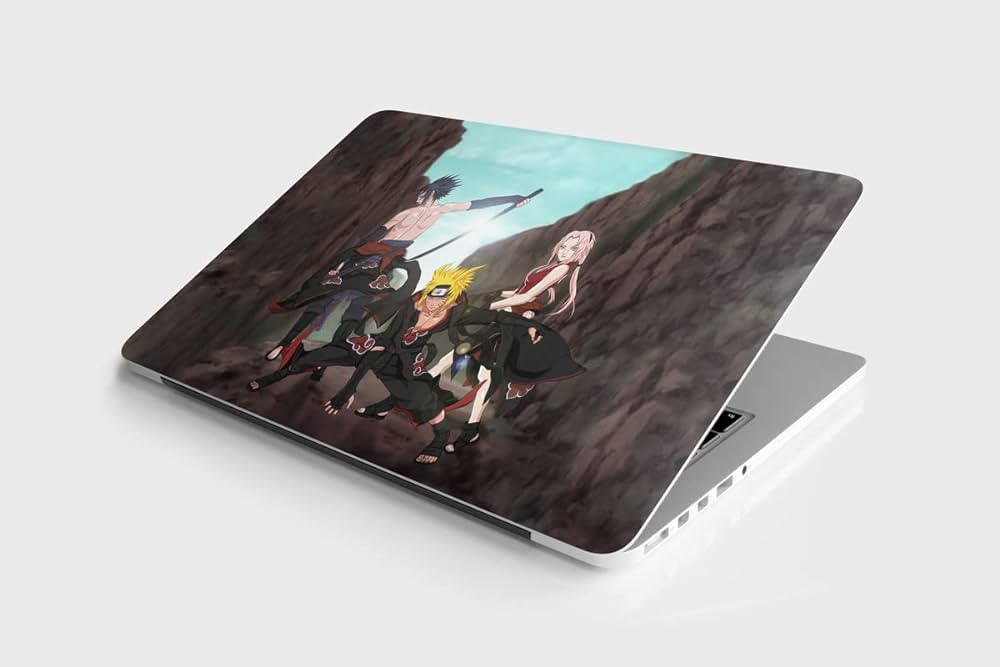
Protect Your Stickers: To ensure your stickers last longer, consider applying a clear laptop skin or a layer of clear packing tape over them for added protection.
Conclusion
Designing laptop stickers is a fun and creative way to personalize your laptop and make it uniquely yours. With the right theme, design software, and a bit of imagination, you can transform your laptop into a canvas of self-expression. So, start brainstorming ideas and let your creativity shine through your laptop sticker designs!
Whether you’re promoting your blog, showcasing your artwork, or simply adding a touch of whimsy to your device, laptop stickers are a small but impactful way to make a big statement.






Leave a reply